
simply_linux_для_учеников
This is an old revision of the document!
Имя ноутбука - student<N>
Сначала установить SL, выполнить базовую настройку по инструкции
sudo -s
apt-get remove xfce4-screensaver
systemctl disable --now cups.socket cups.service cups-browsed.service cups.path
Создать пользователя student с паролем 1.
adduser student
passwd student
Настроить автологин
vim /etc/lightdm/lightdm.conf
то есть добавить строки
autologin-user=student
autologin-user-timeout=0
Настроить доступ к файлообменнику https://www.dmosk.ru/miniinstruktions.php?mini=linux-cifs
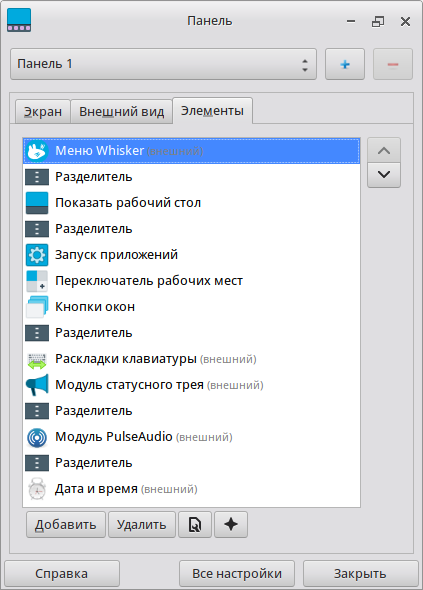
Для пользователя student в Главное меню/настройки/диспетчер настроек/панель/Элементы удалить bluetooth и сеть
simply_linux_для_учеников.1662916404.txt.gz · Last modified: 2022/09/11 17:13 by keremet